
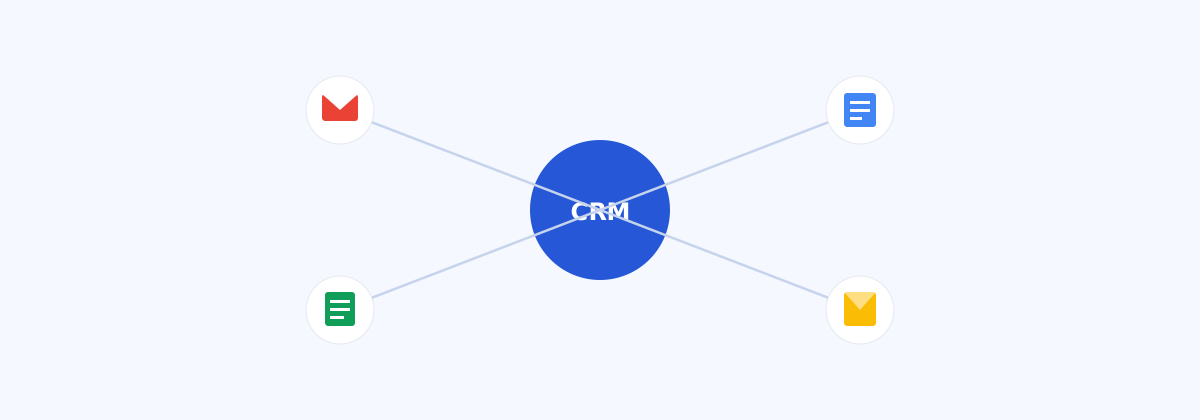
Nearly every CRM vendor's landing page claims to "integrate with Google Workspace." In practice, that phrase covers everything from a genuinely useful two-way sync to a single button that opens Gmail in a new tab and calls it a day. If your team already lives in Gmail, Calendar, Drive, and Sheets — which most small and mid-size companies do — the depth of that integration is one of the more underrated factors in whether a CRM actually gets used.
Why this matters more than it sounds like it should
The single biggest reason CRMs fail to get adopted isn't a missing feature — it's friction. If logging an email, scheduling a follow-up, or attaching a proposal requires leaving the tools people already have open, most reps quietly stop doing it within a few weeks. A CRM built to work inside Gmail and Calendar, rather than next to them, removes that friction almost entirely.
What a real Gmail integration looks like
At a shallow level, "Gmail integration" might just mean a browser extension that lets you see a contact's name when you open an email. A deeper integration does more:
- Automatic email logging — every email sent or received from a contact appears on their CRM record without anyone manually forwarding or BCC-ing it in.
- Two-way sync — updating a deal stage or adding a note from inside Gmail reflects instantly back in the CRM, and vice versa.
- Template and sequence support — sending a tracked email template from directly inside your normal Gmail compose window.
Calendar: more than just meeting scheduling
A good integration links calendar events to the relevant deal or contact automatically, so a sales manager can see not just that a call happened, but who it was with and what deal it relates to — without a rep having to type any of that in separately. Some CRMs also auto-create follow-up tasks the moment a meeting ends, which quietly prevents a huge share of "I meant to follow up on that" deals from going cold.
The best CRM integration is the one you forget is even running, because logging activity stopped being a separate task.
Drive, Docs, and Slides: where proposals live
For teams that send proposals, decks, or contracts, a CRM that can attach and version-track Google Drive files directly on a deal record saves a specific kind of headache — the "which version did we actually send them" problem. This is also where the original 2016 announcement that first put Google's own developer blog on this domain's radar came from: early Slides API integrations let CRMs generate and attach data-populated presentations directly from deal data, a capability that's become far more common across the CRM landscape since.
Sheets: the underrated reporting escape hatch
Not every report a sales manager needs will exist inside the CRM's built-in dashboards. A live Sheets export or sync lets someone build a custom pivot table or chart without waiting on an engineering team to build a new report type. It's not glamorous, but it's one of the most-used integrations in practice, especially for finance and ops teams who want CRM data without needing full CRM access.
How to actually test an integration before buying
- Send a real email from your own Gmail to a test contact and confirm it appears on the CRM record within a minute or two, not after a manual sync.
- Book a real calendar event and check whether it attaches to the right deal automatically, or requires manual tagging.
- Attach a real Google Doc or Slides file to a deal and confirm version updates reflect without re-uploading.
- Ask directly whether the "integration" is native, or requires a third-party connector tool (like Zapier) to bridge the gap — native is generally more reliable and has less to break.
The bottom line
If your team runs on Google Workspace, don't treat that integration as a checkbox feature on a comparison chart — test it with your own real inbox and calendar before committing. The difference between a shallow integration and a deep one is often the difference between a CRM your team actually updates and one that quietly turns back into a spreadsheet with extra steps.